How to Check Transaction Status in Trust Wallet
Simple Guide for Trust Wallet Transaction Status Check
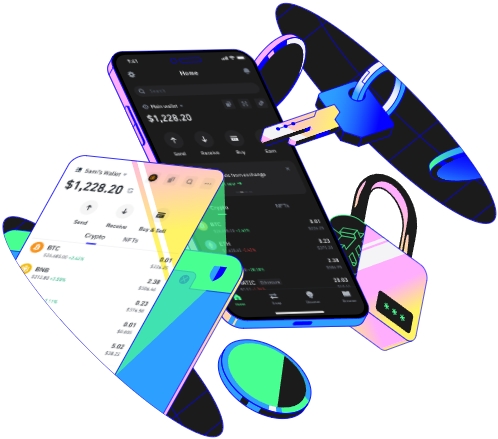
Trust Wallet is a popular cryptocurrency wallet known for its security and user - friendly interface. Checking the transaction status in Trust Wallet is crucial to keep track of your cryptocurrency transfers. Here's a detailed guide on how to accomplish this.
Accessing the Transaction History in Trust Wallet
First, open the Trust Wallet application on your mobile device. The app has a clean and intuitive layout. Once you've launched it, locate the wallet icon at the bottom of the screen. This is the main entry point to your wallet's functions. Tap on it, and you'll be presented with a list of your cryptocurrency wallets.
Select the specific wallet for which you want to check the transaction status. For example, if you made a Bitcoin transaction, choose the Bitcoin wallet. After selecting the wallet, scroll down to find the transaction history section. This section displays all the incoming and outgoing transactions related to that cryptocurrency. Each transaction will show basic details such as the amount, the date and time of the transaction, and a brief description.
Viewing Detailed Transaction Information
To get more in - depth information about a particular transaction, tap on the transaction entry in the history. A new screen will appear, providing details like the transaction ID, the sender's and receiver's addresses, and the current status of the transaction. The status can be one of several types: pending, completed, or failed.
For instance, if a transaction is pending, it means that the network has not fully processed it yet. This could be due to high network congestion or insufficient gas fees in the case of Ethereum - based transactions. If the status is completed, it indicates that the transfer was successfully executed. A failed status might mean there were issues with the recipient's address or insufficient funds.
Using Blockchain Explorers for Additional Verification
Trust Wallet also allows you to use blockchain explorers for further verification. In the detailed transaction view, you'll find a button labeled something like "View on Explorer". Tap this button, and the app will open the relevant blockchain explorer in your device's browser.
For example, if it's a Bitcoin transaction, it will likely open a Bitcoin blockchain explorer like Blockchair. On the explorer, you can see more comprehensive information about the transaction, including the number of confirmations. Confirmations are important as they indicate the level of security and finality of the transaction. The more confirmations a transaction has, the more secure it is considered. You can also see the transaction's position in the blockchain and any associated fees.
By following these steps, you can effectively check the transaction status in Trust Wallet and stay informed about the movement of your cryptocurrency.
TAG:
