How to Mint NFTs Directly from Trust Wallet DApp Browser
A Step-by-Step Guide to NFT Minting
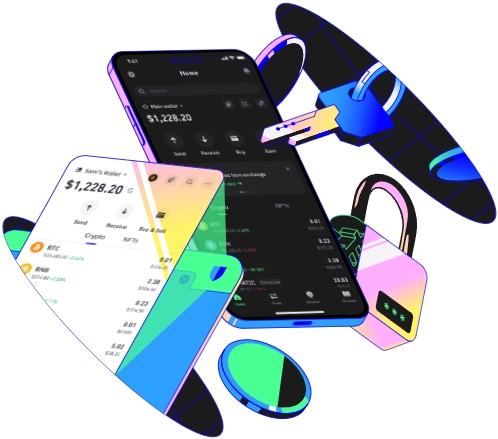
Minting NFTs (Non - Fungible Tokens) has become a popular way for artists, creators, and collectors to engage with the digital art and collectibles space. One convenient way to mint NFTs is directly from the Trust Wallet DApp (Decentralized Application) Browser. Here's a detailed guide on how to do it.
Prerequisites
Before you start minting NFTs from the Trust Wallet DApp Browser, there are some prerequisites you need to fulfill. First, you must have the Trust Wallet installed on your mobile device. Trust Wallet is available for both Android and iOS platforms. You can download it from the Google Play Store or the Apple App Store respectively.
Second, your Trust Wallet should be funded with the appropriate cryptocurrency. The type of cryptocurrency you need depends on the blockchain network you plan to mint your NFTs on. For example, if you're using the Ethereum network, you'll need to have some Ether (ETH) in your wallet to cover the gas fees associated with minting.
Third, you need to have your digital asset ready. This could be a piece of digital art, a music file, a video, or any other form of digital content that you want to turn into an NFT. Make sure your digital asset meets the format and size requirements of the NFT marketplace you'll be using.
Let's say you're an artist who has created a beautiful digital painting. You've installed Trust Wallet on your iPhone and have funded it with some ETH. You're now ready to move on to the next steps.
Once you've met all the prerequisites, open the Trust Wallet app on your device. Navigate to the DApp Browser within the app. The DApp Browser allows you to access various decentralized applications directly from your wallet.
Next, you need to find an NFT marketplace that supports minting and is compatible with the Trust Wallet DApp Browser. Some popular NFT marketplaces include OpenSea, Rarible, and Mintable. You can search for these marketplaces in the DApp Browser's search bar. For instance, if you type "OpenSea" in the search bar and click on the relevant result, you'll be directed to the OpenSea website within the DApp Browser.
After accessing the NFT marketplace, you'll usually need to connect your Trust Wallet to the platform. Look for a "Connect Wallet" button on the marketplace's interface. Click on it and select Trust Wallet from the list of available wallet options. Follow the prompts on the screen to complete the connection process. This may involve signing a message with your wallet to prove your ownership.
Once your wallet is connected, you can start the minting process. On most marketplaces, there will be a "Create" or "Mint" button. Click on it to begin creating your NFT. You'll be asked to upload your digital asset. Select the file from your device's storage and upload it to the platform.
You'll also need to provide some information about your NFT, such as its name, description, and any relevant attributes or metadata. For example, if your digital painting is part of a series, you can mention that in the description. You can also set a price for your NFT if you plan to sell it immediately or choose to list it for auction.
Finally, review all the details you've entered and confirm the minting process. The marketplace will then use your Trust Wallet to pay the necessary gas fees and create your NFT on the blockchain. Depending on the network congestion, the minting process may take a few minutes to several hours. Once the minting is complete, your NFT will be listed on the marketplace, and you can start promoting it to potential buyers.
TAG:
